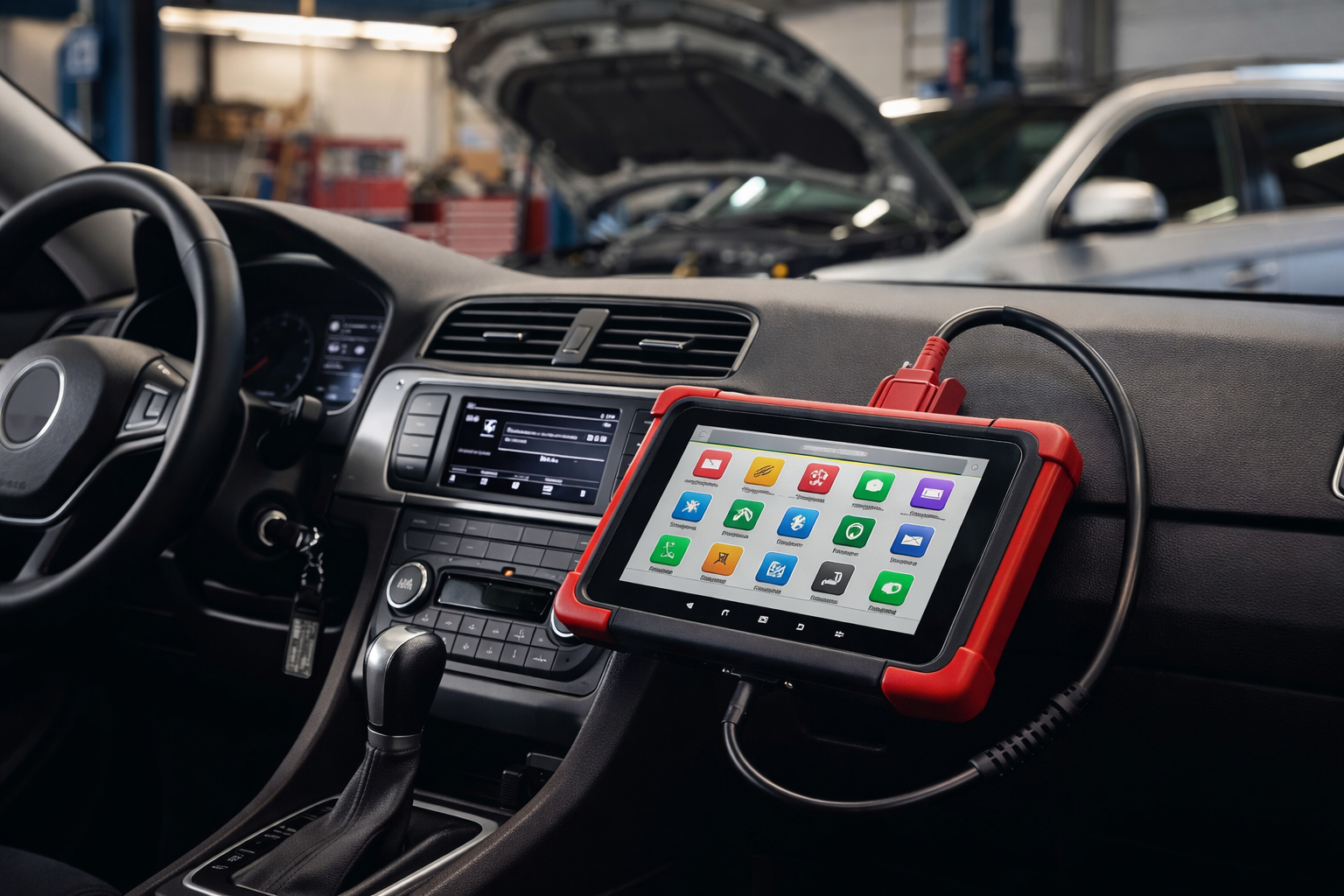
Top 5 Automotive Diagnostic Tools
Below are the best diagnostic tools I’ve personally tested and reviewed, based on real-world use in workshops and everyday diagnostics.
1. Launch X431 Pro3 ACE

The Launch X431 Pro3 ACE is a powerful, workshop-grade diagnostic tool designed for professional mechanics and serious users. It offers full system diagnostics, advanced coding, bi-directional tests, and excellent vehicle coverage across most manufacturers.
Pros
- Full professional-level diagnostics for cars, vans, and light commercial vehicles
- Excellent bi-directional (active test) capabilities for real fault finding
- Large, fast Android tablet with regular software updates
- Wide vehicle coverage including European, Asian, and US brands
Cons
- Higher upfront cost compared to basic scanners
- Annual software subscription required after the free period
- Overkill for casual DIY users
2. Autel MaxiSys Elite II – Premium Dealer-Level Alternative

The Autel MaxiSys Elite II is a flagship, dealer-level diagnostic tool designed for high-end workshops and specialist technicians. It offers extremely fast processing, deep ECU access, advanced coding, and J2534 programming, making it a serious alternative to Launch for professionals who want maximum capability.
Pros
- True dealer-level diagnostics with deep ECU access
- Advanced coding, programming & J2534 passthru support
- Extremely fast tablet performance and smooth interface
- Excellent coverage for European, Asian & US vehicles
- Strong reputation in professional workshops worldwide
Cons
- Very high upfront cost compared to most scanners
- Software updates require ongoing subscription after free period
- Overkill for DIY users or small garages
- Less flexible ecosystem than Launch for remote coding
3. iCarsoft CR Ultra

The iCarsoft CR Ultra is a solid all-round diagnostic scanner ideal for independent garages and advanced DIY users. It supports full system scans, service resets, and key programming features without expensive annual subscriptions.
Pros
- Strong all-system diagnostics at a more affordable price
- No mandatory annual subscription fees
- Easy to use interface, ideal for mixed experience levels
- Covers most major vehicle manufacturers
Cons
- Slower hardware compared to high-end Launch tools
- Fewer advanced coding and programming functions
- Limited compared to true dealer-level tools
4. Launch X431 Pro TT

The Launch X431 Pro TT is a high-performance diagnostic tablet built for busy workshops. It combines fast processing, deep ECU access, online coding, and extensive bi-directional control, making it ideal for modern vehicles.
Pros
- Excellent balance between price and professional features
- Supports coding, adaptations, and advanced diagnostics
- Reliable Launch software with frequent updates
- Solid tablet performance for daily workshop use
Cons
- Smaller screen than Pro3 ACE
- Subscription renewal required after the free update period
- Slightly less powerful than top-tier Launch models
5. Kingbolen K7

The Kingbolen K7 offers excellent value for money, providing advanced diagnostics and ECU functions at a lower price point. It’s well suited for mobile mechanics and enthusiasts who want strong capabilities without premium-brand pricing.
Pros
- Very good value for money
- Large screen and fast operation
- Strong coverage for diagnostics, service resets, and live data
- No immediate subscription pressure
Cons
- Brand not as established as Launch or Autel
- Limited long-term software support history
- Less advanced bi-directional testing
6. Budget Pick – Best Value Diagnostic Tool

This option is ideal for beginners or occasional users who need reliable fault-code reading and essential service functions. It covers the basics well and is perfect for home mechanics or light workshop use.
Pros
- Affordable entry into multi-system diagnostics
- Simple and easy to use
- Ideal for fault code reading, live data, and service resets
- Low running costs
Cons
- Limited advanced functions
- Not suitable for complex fault diagnostics
- Smaller screen and slower performance